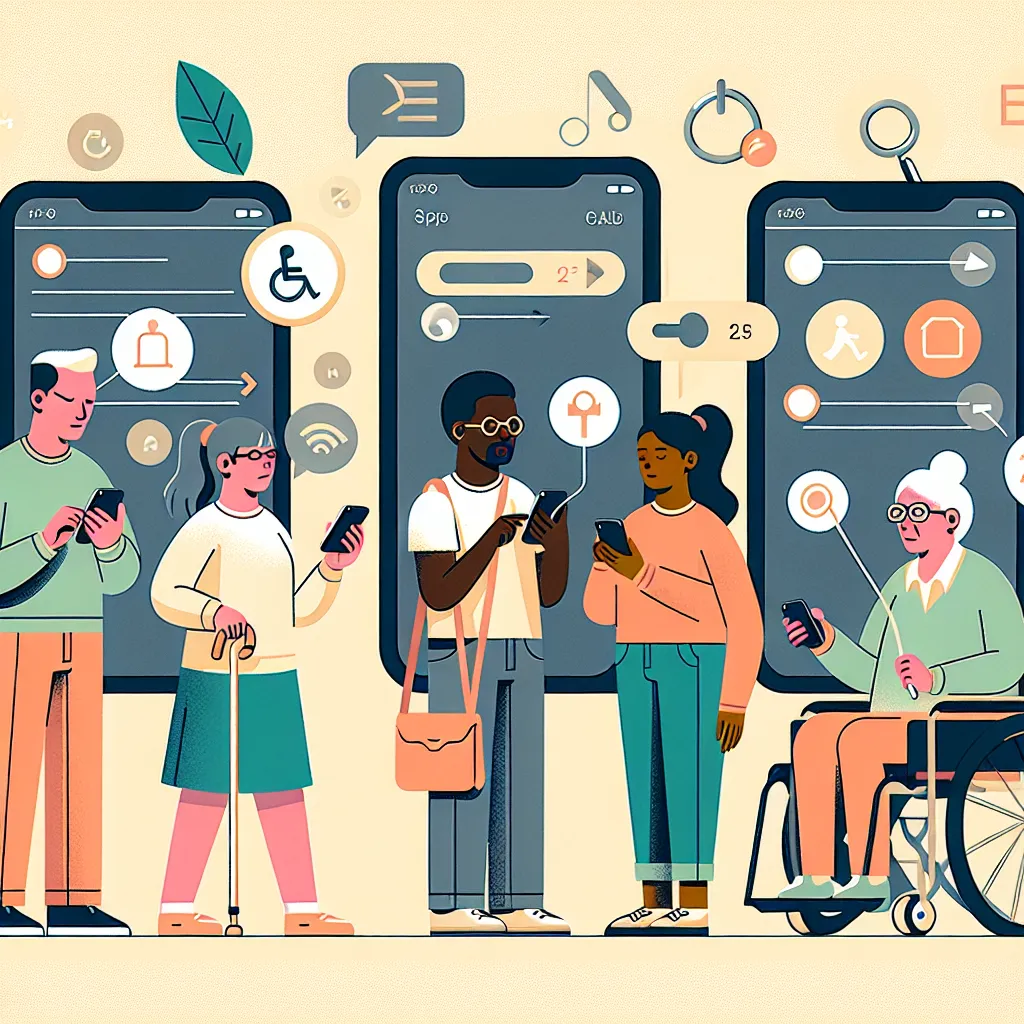
The Importance of App Accessibility: Designing for All Users
The Importance of App Accessibility: Designing for All Users
App accessibility is crucial for inclusive design, ensuring applications are usable by people of all abilities and disabilities. It improves user experience, expands market reach, and complies with legal standards. Prioritizing app accessibility fosters inclusivity and enhances brand reputation.

Understanding App Accessibility
App accessibility refers to the design and development practices that make mobile and web applications usable by individuals with a wide range of abilities and disabilities. This involves creating interfaces that all users can navigate, understand, and interact with effectively. Key considerations include:
- Providing keyboard accessibility
- Implementing screen reader support
- Ensuring color contrast and text readability
- Offering alternative texts for images
Why Accessibility Matters
Several factors drive the importance of accessibility:
- Legal Compliance: Many regions mandate digital accessibility under laws such as the Americans with Disabilities Act (ADA) and the Web Content Accessibility Guidelines (WCAG).
- User Experience: Improves overall UX, catering to people with disabilities, temporary impairments, and different learning modes.
- Market Reach: Accessibility opens products to a broader audience, including aging populations and users with disabilities who represent a significant portion of the market.
Best Practices for Designing Accessible Apps
Implementing accessibility in app design involves several best practices. These ensure applications are user-friendly and accessible to diverse populations.
1. Semantic HTML and ARIA Roles
Using semantic HTML helps screen readers understand the structure of the page. ARIA roles can enhance accessibility by providing dynamic content adjustments.
<nav>
    <ul role="list">
        <li role="navigation"><a href="home.html">Home</a></li>
        <li role="navigation"><a href="about.html">About</a></li>
    </ul>
</nav>
2. Keyboard Accessibility
Ensure all interactive elements are navigable using a keyboard. This is important for users unable to use a mouse.
document.addEventListener('keyup', function(event) {
    if (event.key === 'Tab') {
        let focusableElements = 'button, [href], input, select, textarea, [tabindex]:not([tabindex="-1"])';
        let firstFocusableEl = document.querySelectorAll(focusableElements)[0];
        firstFocusableEl.focus();
    }
});
3. Color Contrast
Maintain sufficient color contrast, allowing text to be easily readable against its background. Use tools like the WebAIM Contrast Checker for testing.
Example:
| Foreground Color | Background Color | Contrast Ratio |
|---|---|---|
| #000000 (Black) | #ffffff (White) | 21:1 |
| #707070 (Gray) | #ffffff (White) | 1.2:1 |
Expert Insights on Accessibility
Experts in the field emphasize the growing need for accessibility:
"Web Content Accessibility Guidelines (WCAG) provide a robust framework for designing accessible web content. Adhering to these guidelines ensures that your services are not only inclusive but also future-proof."
Recommended Resources
Explore these resources to deepen your understanding of accessibility:
Challenges and Solutions in Implementing Accessibility
Addressing accessibility can present challenges, but strategic planning can yield effective solutions.
Challenges
- Lack of Expertise: Many teams lack experience in accessibility practices.
- Resource Constraints: Limited budgets can restrict comprehensive implementation.
- Complicated Legacy Systems: Older systems might require significant overhauls to support accessibility.
Solutions
- Training: Invest in workshops and training sessions to build in-house accessibility capabilities.
- Incremental Changes: Break down implementations into small, manageable tasks.
- Use of Tools: Leverage automated testing tools like WAVE.
FAQs on App Accessibility
Find answers to some common queries about app accessibility:
What are the key principles of accessible app design?
Perceptibility: Ensures information is presented in ways users can perceive.
Operability: Makes all functionality available by using various inputs.
Understandability: Information and operation of the user interface must be understandable.
Robustness: Content is robust so various technologies, including assistive technologies, can interpret it.
Why is app accessibility important for businesses?
App accessibility significantly expands potential user bases and boosts brand reputation. It ensures businesses comply with legal standards, such as WCAG and ADA, mitigating risks of litigation and fostering a culture of inclusivity.
How do I test my app for accessibility?
You can test for accessibility using automated tools such as Google Lighthouse and Deque's Axe. These tools provide insights into accessibility barriers within your app.
Comments (0)
No comments yet. Be the first to share your thoughts!