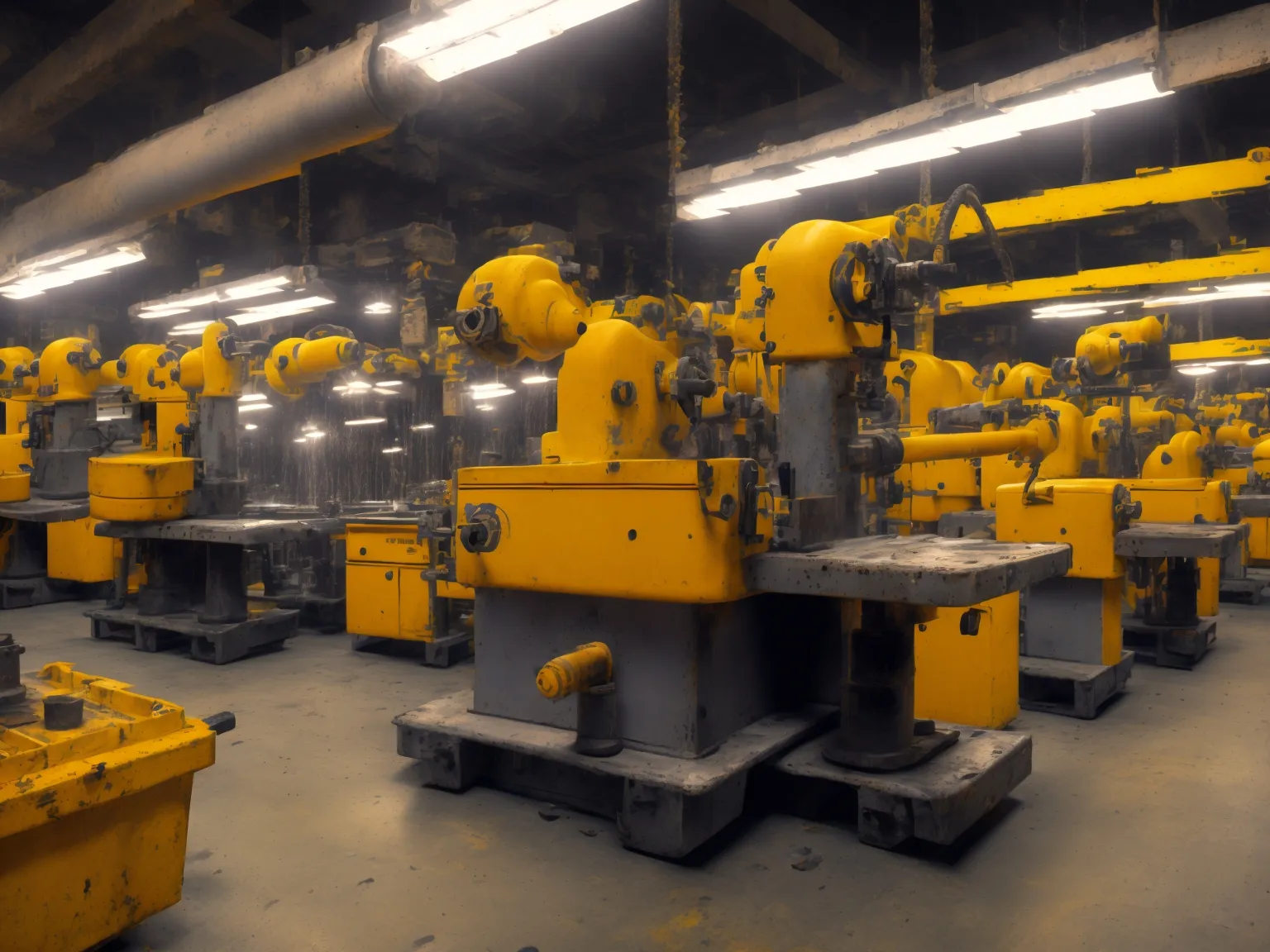
Workflow automation tool for manufacturing companies
Workflow Automation Tools for Manufacturing Companies
Workflow automation tools can revolutionize the way manufacturing companies operate by streamlining processes and enhancing productivity. Many business owners struggle with inefficiencies, high operational costs, and errors due to manual tasks. This article will cover practical approaches to choosing and implementing workflow automation solutions tailored for the manufacturing sector, highlighting real-world examples and actionable insights.
Understanding Workflow Automation and Its Significance
Workflow automation refers to the use of technology to automate complex business processes and functions beyond individual tasks. In manufacturing, this can mean anything from automating inventory management to streamlining production schedules.
- Reduced Errors: Automating repetitive tasks minimizes the risk of human error.
- Increased Efficiency: Tasks are completed faster without manual intervention.
- Cost Savings: Reduced labor costs and improved resource management can significantly lower operational expenses.
When businesses struggle with unoptimized processes, they typically face high overheads and decreased competitiveness. This is where effective automation strategies come into play.
Identifying Areas for Automation in Manufacturing
To begin the journey of workflow automation, identify specific areas within your manufacturing process that are repetitive and time-consuming. Here are some common areas to consider:
- Inventory Management: Automate stock level monitoring and reorder notifications to avoid production delays.
- Order Processing: Streamline the order fulfillment process by integrating order management systems with your production schedules.
- Quality Control: Implement automated checks to ensure that products meet quality standards without manual inspections.
In a recent project, we helped a food manufacturing company automate their inventory monitoring system, reducing stockouts by 30% and improving overall order fulfillment rates.
Evaluating and Choosing a Workflow Automation Tool
When selecting a workflow automation tool, consider the following criteria:
- Integration Capabilities: The tool should integrate seamlessly with your existing systems (ERP, CRM, etc.). For example, custom automation connecting Shopify, QuickBooks, and your warehouse system can streamline your order processing.
- User-Friendliness: Ensure that the tool is easy to use for all employees, reducing the need for extensive training.
- Scalability: Choose a solution that can grow with your business, accommodating increasing transaction volumes.
We've observed that successful implementations focus on user acceptance and a phased rollout, which allows adjustments based on real-time feedback.
Implementing Workflow Automation: Step-by-Step Guide
After selecting an appropriate tool, it's time for implementation. Here’s a structured approach to ensure a successful transition:
- Map Your Current Workflow: Document the existing processes to identify bottlenecks and inefficiencies.
- Define Your Goals: Set clear objectives for what you want to achieve with automation, such as reducing processing time from 4 hours to 30 minutes.
- Start Small: Begin with a pilot project focusing on a single area to minimize disruption. For instance, automate the order entry process before expanding to inventory management.
- Monitor and Adjust: Track performance metrics to gauge the effectiveness of the automation. Be prepared to make changes based on the findings.
Common mistakes we help clients avoid include job rotations without sufficient training on new tools and selecting overly complex software that employees find challenging.
Measuring the Impact of Workflow Automation
To understand the value of your investment in automation, monitor key performance indicators (KPIs). Here are vital metrics to track:
- Time Savings: Calculate how much time automation saves across processes.
- Cost Reduction: Track changes in operating costs, specifically savings from labor hours.
- Productivity Increase: Measure output before and after implementation to quantify improvements.
For instance, in an automotive plant, we recorded a 25% increase in throughput after introducing automated quality checks and processing systems.
Final Thoughts: The Importance of Custom Solutions
Implementing a successful workflow automation strategy in manufacturing is an ongoing journey, and while many tools are available, custom solutions often deliver the best results tailored to specific needs. If you're navigating challenges such as inventory mismanagement or slow order processing, custom development can solve these problems effectively. Build a custom automation solution for your manufacturing company that streamlines operations and enhances productivity.
Comments (0)
No comments yet. Be the first to share your thoughts!